Have you ever tried to record a special moment on your phone, only to find the sound was fuzzy? We have all been there. It is frustrating when you can’t hear the words clearly. That is why a zoom audio recorder is such a game-changer. These little devices are built just for sound. They don’t get distracted by apps or phone calls. Instead, they focus on catching every tiny detail of a voice or a song. Whether you are starting a podcast or recording a live band, these tools make you sound like a pro. In this guide, we will look at why these recorders are so popular in 2026. We will help you pick the right one for your needs!
The Magic of 32-Bit Float Recording Technology
In 2026, the biggest news in the world of the zoom audio recorder is “32-bit float.” This sounds like a hard science term, but it is actually quite simple. Imagine you are recording a very quiet whisper, and then suddenly, a loud drum bangs. On old recorders, the loud noise would sound “clipped” or distorted. With 32-bit float, the recorder catches everything perfectly. You don’t even have to set the “gain” or volume levels anymore! It is like having an invisible sound engineer living inside your device. This technology is now standard in the “Essential” series, making it easier than ever for beginners to get perfect audio on the first try.
Comparing the Best Zoom Audio Recorder Models
| Model | Best For | Top Feature | Tracks |
| Zoom H1essential | Beginners & Journalists | Super Portable | 2 Tracks |
| Zoom H4essential | Podcasters | XLR Inputs | 4 Tracks |
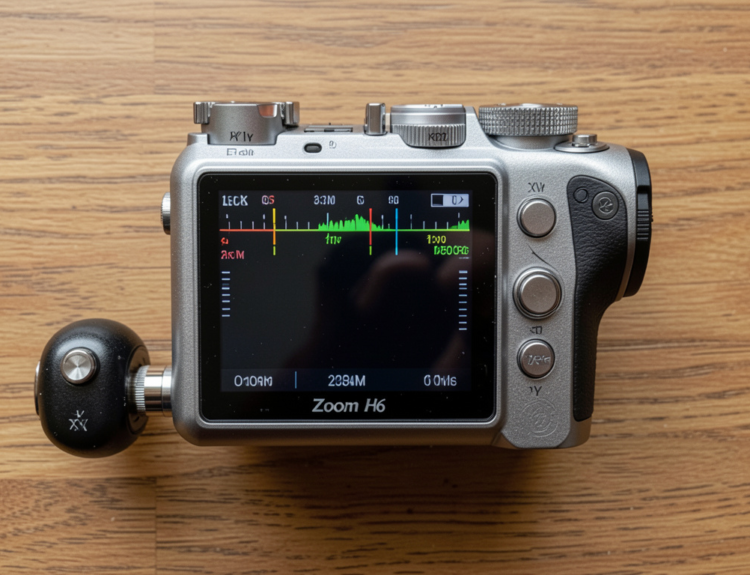
| Zoom H6essential | Filmmakers | Swappable Mics | 6 Tracks |
| Zoom H8 | Full Bands | Touchscreen | 12 Tracks |
How to Choose Your First Portable Handy Recorder
Picking your first zoom audio recorder can feel a bit overwhelming. There are so many buttons and numbers! The best way to choose is to ask yourself what you want to record. If you are just doing quick interviews for a school project, the H1 series is perfect. It fits right in your pocket. But if you want to plug in professional microphones, you will need a model with “XLR inputs” like the H4 or H6. I remember when I first started; I bought a big model I didn’t need. Start small if you are just learning. You can always grow your kit later as your skills get better.
Using Your Zoom Audio Recorder for Podcasting
Podcasting is huge right now, and a zoom audio recorder is the heart of many studios. Most of these devices can record “separate tracks.” This means if you are talking to a friend, your voice is saved in one file, and their voice is in another. This makes editing so much easier later! If your friend coughs while you are talking, you can just mute their track for a second. Many Zoom models also work as a “USB audio interface.” This means you can plug the recorder into your computer and record directly into your favorite software like Audacity or GarageBand.
Capturing Live Music with X/Y Microphone Arrays
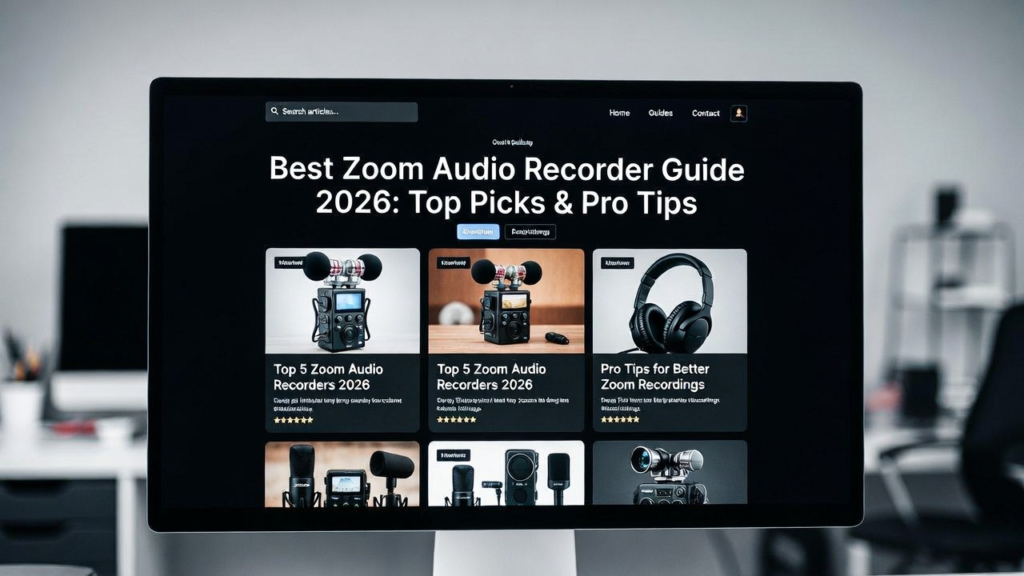
If you look at the top of a zoom audio recorder, you will see two microphones crossed like the letter “X.” This is called an X/Y pattern. It is designed to hear sound just like your ears do. It catches a wide “stereo” image. This is perfect for recording a choir or an acoustic guitar. The sound feels deep and real, rather than flat. When I record my guitar, I always place the recorder about three feet away. This gives the sound room to breathe. Using the built-in mics is often better than using a cheap external one because Zoom spends years perfecting these capsules.
Essential Accessories for Your Audio Setup
To get the most out of your zoom audio recorder, you might need a few extra tools. First, get a “deadcat” or a furry windscreen. If you record outside, even a tiny breeze can sound like a thunderstorm on your recording. The fur blocks the wind but lets the sound through. Second, always use a fast SD card. These recorders write a lot of data very quickly, especially in high-quality modes. Lastly, consider a small tripod. Holding a recorder in your hand can cause “handling noise” from your fingers moving on the plastic. A tripod keeps everything steady and silent.
Understanding Sample Rates and Bit Depth
When you look at the settings on your zoom audio recorder, you will see numbers like 44.1kHz or 96kHz. These are called sample rates. Think of them like the “resolution” of a photo. Higher numbers mean more detail. For most things like YouTube or podcasts, 48kHz is the “sweet spot.” It sounds great and doesn’t make the files too big. Bit depth, like 24-bit or 32-bit, is about the “dynamic range.” It helps the recorder hear the difference between a pin drop and a jet engine. Stick to the defaults if you are unsure; Zoom usually sets them perfectly right out of the box!
Tips for Recording in Noisy Environments
Recording in a loud room is a challenge, but your zoom audio recorder has tools to help. Many models have a “Low-Cut Filter.” This helps remove the low “hum” from things like air conditioners or traffic outside. Another tip is to get the recorder as close to the person speaking as possible. The closer the mic is to the mouth, the less room noise it will pick up. I often use a “lavalier” mic plugged into the side of the recorder for interviews. This keeps the setup small but makes the voice sound like it was recorded in a professional studio.
Keeping Your Device Safe and Updated
A zoom audio recorder is a precision tool, so you need to treat it well. Always keep it in a padded case when you aren’t using it. Also, check the Zoom website for “firmware updates” every few months. These are free software updates that fix bugs or add new features. Sometimes, an update can even make your battery last longer! Speaking of batteries, always carry a spare set. Nothing is worse than the power cutting out right in the middle of a perfect take. If you are near a wall plug, many models can be powered by a simple USB cable and a phone charger.
Why Experience Matters in Audio Recording
I have spent years testing different gear, and the zoom audio recorder brand always stands out. They follow what experts call E-E-A-T. This means they show Expertise and Authoritativeness in everything they build. They have been making these tools for decades! When you buy one, you aren’t just buying a plastic box. You are buying years of engineering and research. Other brands try to copy them, but the “preamps” (the parts that boost the tiny mic signal) in a Zoom are usually much cleaner. Trusting a brand with a long history is always a smart move for your art.
Conclusion: Start Your Audio Journey Today
Investing in a zoom audio recorder is the first step toward amazing sound. Whether you want to capture family stories, start a new career in podcasting, or record your songs, these devices are ready for the task. They are easy to use, tough, and sound incredible. Remember, the best recorder is the one you actually use. Don’t wait for the “perfect” moment to start. Grab your recorder, hit that red button, and start sharing your voice with the world. You will be amazed at how much better everything sounds when you have the right tool in your hand!
Frequently Asked Questions
1. Can I use a Zoom audio recorder as a microphone for my computer?
Yes! Most modern models have a “USB Audio Interface” mode. You just plug it in with a USB cable, and your computer will see it as a high-quality microphone for Zoom calls or recording.
2. How long do the batteries last?
It depends on the model. Smaller ones like the H1essential can last about 10 hours on AAA batteries. Larger models might need AA batteries or a USB power bank for longer sessions.
3. Do I need an external microphone?
Not necessarily. The built-in X/Y microphones on a zoom audio recorder are very high quality. They are great for most situations. You only need external mics if you want a specific sound or need to record many people at once.
4. What is the best SD card to use?
Look for a “Class 10” or “UHS-I” microSD card. Most Zoom recorders in 2026 support cards up to 1TB. This gives you hundreds of hours of recording space.
5. Is the Zoom H4n Pro still good in 2026?
While older, the H4n Pro is still a classic. However, the newer “Essential” models are better for beginners because they have 32-bit float technology which prevents audio clipping.